Next.js App Router vs Pages Router: Which to Choose in 2026
A practical App Router vs Pages Router guide for teams deciding what to use in new Next.js projects or how to approach migration safely.
Key Takeaways
- 01
The right technical choice depends on product requirements and team context.
- 02
Simpler options usually win for early-stage delivery unless constraints clearly say otherwise.
- 03
Operational overhead matters just as much as build-time convenience.
- 04
Migration-friendly choices are safer than premature complexity.
- 05
Architecture should support the product stage, not an imagined future at scale.
Next.js App Router vs Pages Router: Which to Choose in 2026 matters because buyers and founders need a clear answer, not a vague range or a stack of agency buzzwords. This guide explains Next.js App Router vs Pages Router in a commercially realistic way so you can make better product, budget, and delivery decisions.
The short version: the right technical choice depends less on internet arguments and more on your product shape, team experience, SEO needs, and how much operational complexity you can carry.
Quick answer
Next.js App Router vs Pages Router should be evaluated through scope, delivery risk, and business usefulness, not just a headline number or trend-driven opinion.
- Choose based on product shape, team capability, and operational cost.
- A technically elegant choice can still be commercially wrong for an early-stage team.
- Default to simpler paths unless scale or constraints clearly justify more complexity.
Who this guide is for
This guide is for SaaS teams and founders making technical decisions that affect speed, SEO, maintainability, or long-term architecture.
How to make the technical decision responsibly
Most teams do not need the objectively best abstract architecture. They need the option that fits their current team, release goals, and maintenance capacity. A good technical decision makes delivery easier now without trapping the product later.
That usually means evaluating the choice against three realities: product requirements, developer familiarity, and operational overhead after launch.
| Question | App Router | Pages Router |
|---|---|---|
| New project default | Usually yes | Mainly for legacy familiarity |
| Mature legacy support | Growing fast | Very familiar |
| Migration complexity | Can be incremental | No migration needed |
Next.js 14 and 15 use the App Router as the default. If you're starting a new project or considering migration, this guide explains the differences and when each makes sense.
What Is the App Router?
The App Router uses a app/ directory with file-based routing. Key features:
- React Server Components (RSC): Components run on the server by default, reducing client JS.
- Streaming: Progressive page loading with Suspense.
- Layouts: Nested layouts that persist across navigations.
- Server Actions: Form handlers and mutations without separate API routes.
What Is the Pages Router?
The classic pages/ directory. Each file is a route. Uses getServerSideProps, getStaticProps, and API routes. Mature, well-documented, and stable.
Key Differences (2026)
Rendering Model
App Router: Server Components by default. Opt-in to client components with "use client". Smaller client bundles.
Pages Router: Client-side by default. SSR via getServerSideProps. More client JS.
Data Fetching
App Router: Async components, fetch in components. No getServerSideProps. Caching built-in.
Pages Router:getServerSideProps, getStaticProps, getInitialProps. Explicit patterns.
Routing
App Router: Folders define routes. page.tsx is the route component. layout.tsx wraps children.
Pages Router: File = route. pages/about.tsx → /about.
When to Use App Router (2026)
- New projects (recommended default)
- SEO-critical, content-heavy sites
- Need for streaming, partial hydration
- Want Server Actions for forms/mutations
When to Keep Pages Router
- Existing, stable projects (migration is non-trivial)
- Heavy client-side interactivity with complex state
- Team unfamiliar with RSC patterns
Migration Considerations
Migrating from Pages to App Router is incremental: you can run both. Start with new routes in app/. Migrate high-value pages first. Expect 2–4 weeks for a medium-sized app.
Conclusion
For new projects in 2026, use the App Router. For existing Pages Router apps, migrate only if you need RSC benefits—otherwise, Pages Router remains supported and stable.
Decision rule
Choose the simpler option unless your product requirements clearly justify the added complexity. Early-stage teams benefit more from coherent defaults than from engineering purity contests.
Common technical mistake
Teams often choose based on hype, fear of missing out, or edge cases that may never happen. That increases complexity without improving delivery speed or product value.
Technical decision checklist
- List the product requirements that actually matter.
- Check which option the team can maintain confidently.
- Estimate operational overhead after launch, not just build speed.
- Avoid solving scale problems you do not have yet.
- Prefer migration-friendly choices over irreversible ones.
For adjacent technical decisions, see the best tech stack for SaaS startups, microservices vs monolith, and our web development services.
What to do next
Choose the option your team can ship, maintain, and explain confidently. If a technical decision affects roadmap, SEO, or architecture tradeoffs, getting a short review early is cheaper than refactoring late. Our web development services and software consulting support are good next steps.
Apply this in a real project
If you’re planning to build or improve software based on these ideas, our custom software development services can help you define scope, reduce delivery risk, and ship maintainable systems.
For founder-led execution, explore our product development services and mobile app development services to turn requirements into a working release with clear ownership.
Expert Insights
Operational simplicity has compounding value
Teams feel the cost of a complex technical choice for months after launch through slower debugging, onboarding, and release management.
Context beats internet consensus
A choice that is perfect for one team or product can be unnecessary overhead for another. Product shape and team capability should lead.
Tags
Reader Rating
Based on 1 reviews
Frequently Asked Questions
How do teams choose between two technical options?+
Should startups optimize for scale from day one?+
What if the team may need to migrate later?+
Does the most popular option always win?+
When does a more advanced architecture make sense?+
Reader Questions
How much should I care about developer preference?
It matters, especially for team speed and maintainability, but it should be balanced against product and business needs.
What if we are already on the older option?
Stability is a valid reason to stay put temporarily. Migrate only when the benefits clearly outweigh the disruption.
Can the wrong technical choice be fixed later?
Often yes, but the cost of fixing it depends on how deeply the choice affects routing, data boundaries, or deployment patterns.
Related Articles
Technology • 3 min
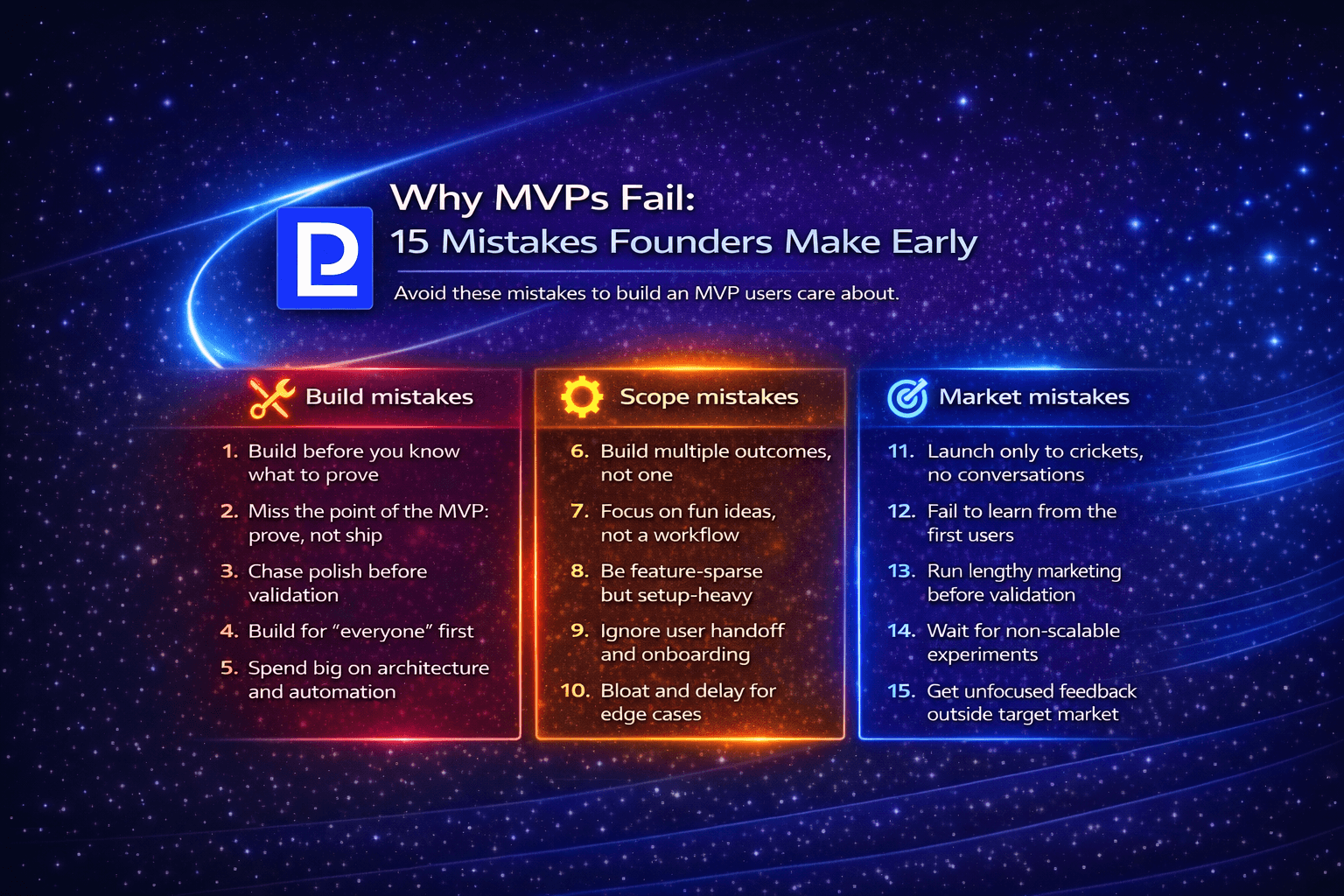
Why MVPs Fail: 15 Mistakes Founders Make Early
A founder-focused guide to the 15 most common MVP mistakes: what causes failure, how to avoid them, and how to build MVPs that actually validate.
Technology • 3 min
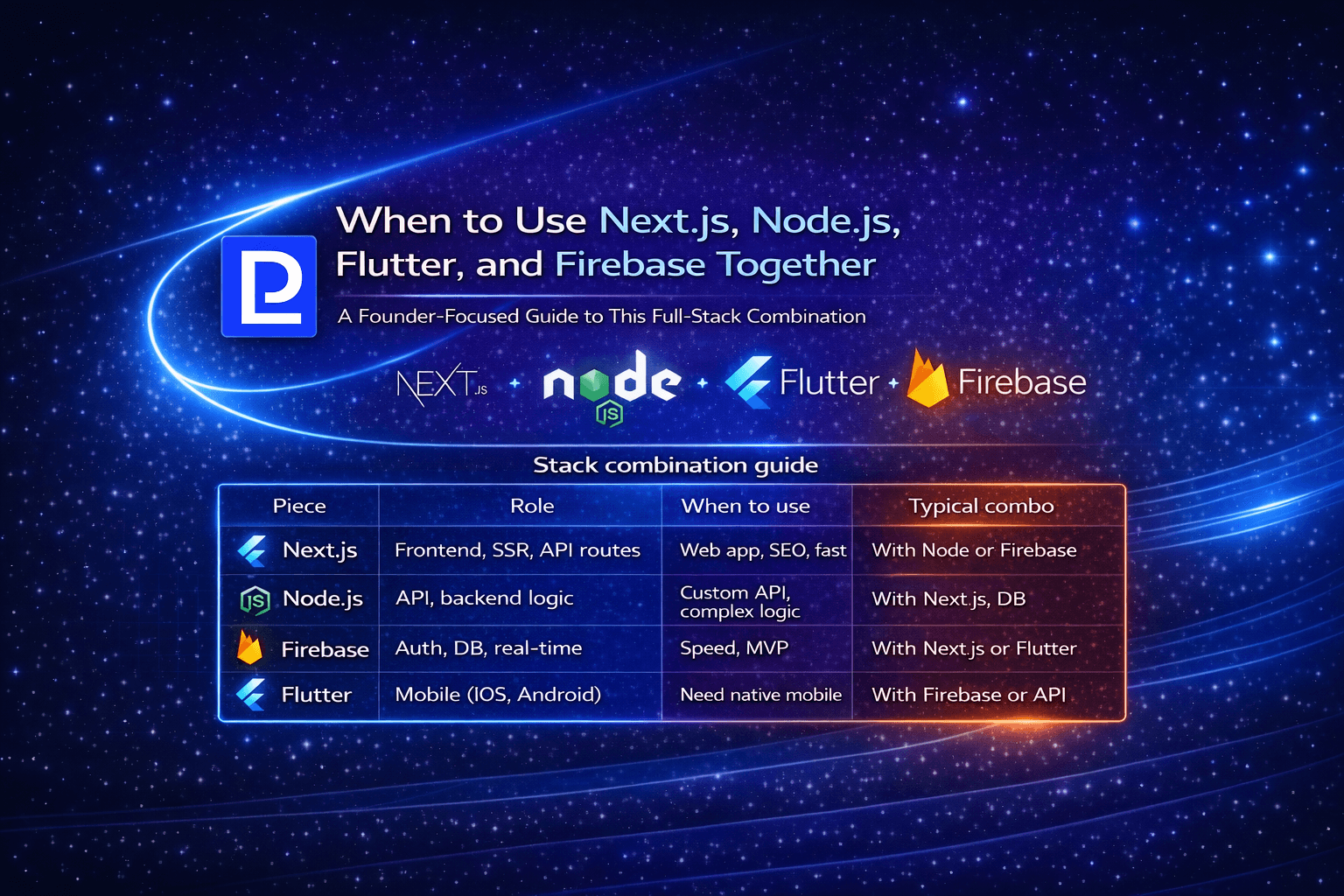
When to Use Next.js, Node.js, Flutter, and Firebase Together
A founder-focused guide to combining Next.js, Node.js, Flutter, and Firebase: when the stack makes sense and how to use them together.
Technology • 3 min
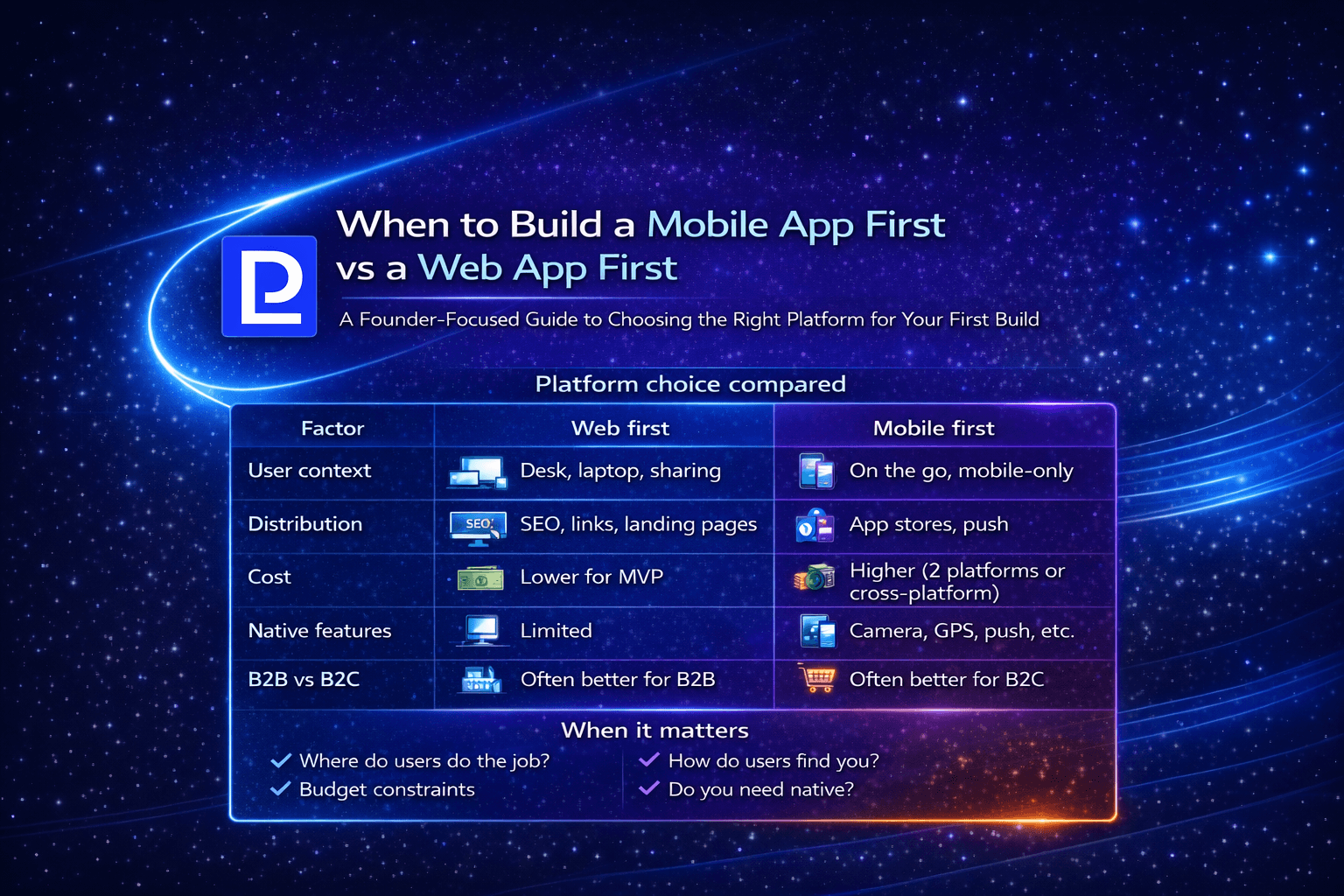
When to Build a Mobile App First vs a Web App First
A founder-focused guide to choosing mobile-first vs web-first: when each makes sense, tradeoffs, and how to decide for your product.